createMask
R2026bCreate binary mask image from ROI
Description
Examples
Read an image into the workspace and display it by using the imageshow function.
I = imread("peppers.png");
imObj = imageshow(I);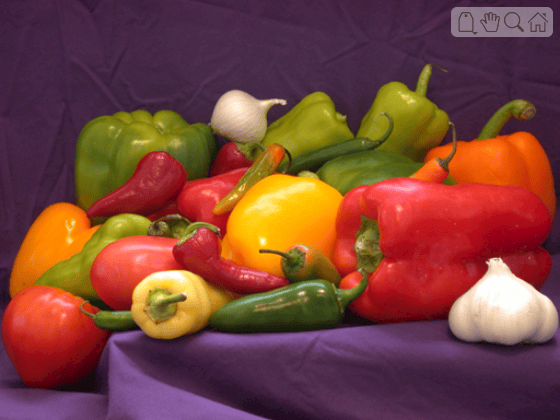
Get a handle to the viewer window that contains the image.
viewer = imObj.Parent;
Draw a freehand ROI around the onion.
freehand = uidraw(viewer,"freehand"); 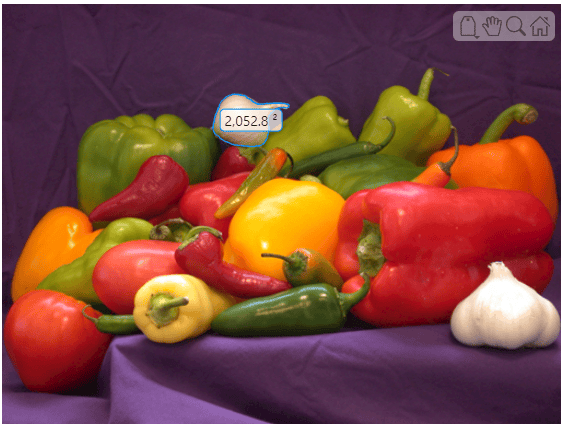
Create a binary mask from the ROI. Pixels inside the ROI are true and pixels outside the ROI are false. Display the mask.
mask = createMask(freehand);
imageshow(mask)

Read an image into the workspace and display it.
I = imread("pears.png");
imshow(I)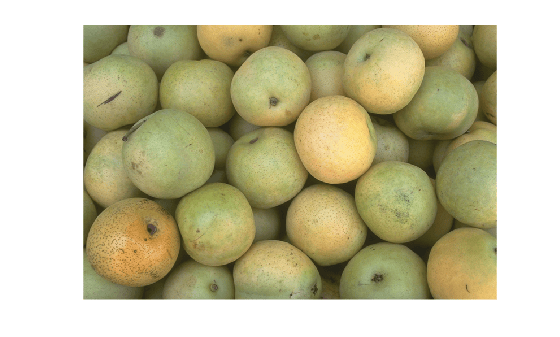
Draw an elliptical ROI on the image, using the Center name-value argument to specify the location of the ellipse and theSemiAxes name-value argument to specify the shape of the ellipse. Specify that the edge of the ellipse is a striped line.
h = drawellipse(Center=[447 204],SemiAxes=[78 72], ...
    RotationAngle=287,StripeColor="m");
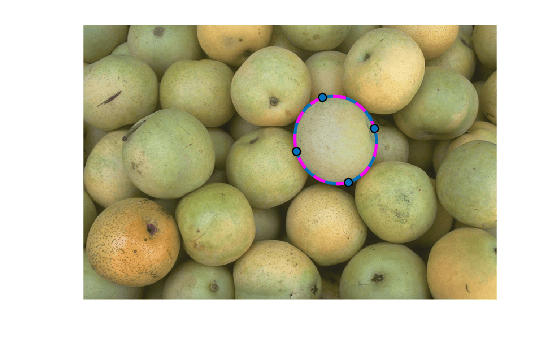
Get a binary mask from the ROI. Pixels inside the ROI are true and pixels outside the ROI are false. Display the mask.
mask = createMask(h);
imshow(mask)

Read an image into the workspace and display it.
I = imread("coins.png");Detect circles in the image and get their center coordinates and radii. Combine the centers and radii into the position format expected by uiannotate and display the image with circle annotations overlaid.
[centers,radii] = imfindcircles(I,[15 40],Sensitivity=0.9);
circlePos = [centers radii];
Im = imageshow(I);
roi = uiannotate(Im,"circle",circlePos);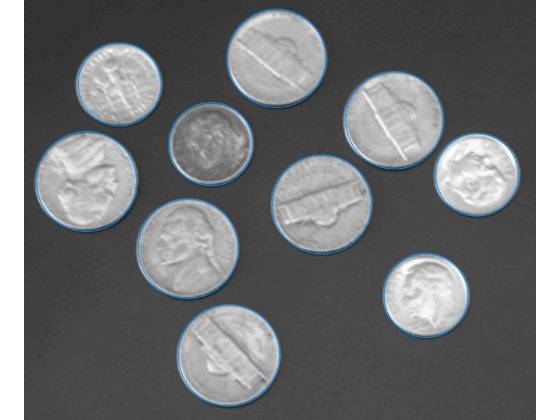
Create a binary mask from the annotation object. Pixels inside the ROI are true and pixels outside the ROI are false. Display the mask.
mask = createMask(roi);
imageshow(mask)

Input Arguments
Output Arguments
Tips
For more information about classifying pixels on the ROI boundary, see Classify Pixels That Are Partially Enclosed by ROI.
If you specify a mask size that does not match the size of the image associated with the
ROIobject, thencreateMaskcrops or zero-pads the mask to the specified size. Forimshowdisplays, the image associated with the ROI object isROI.Parent.Children(2,1).CData. Forimageshowdisplays, the image associated with the ROI object isROI.Parent.Children.

