Matlab freezes on startup
Show older comments
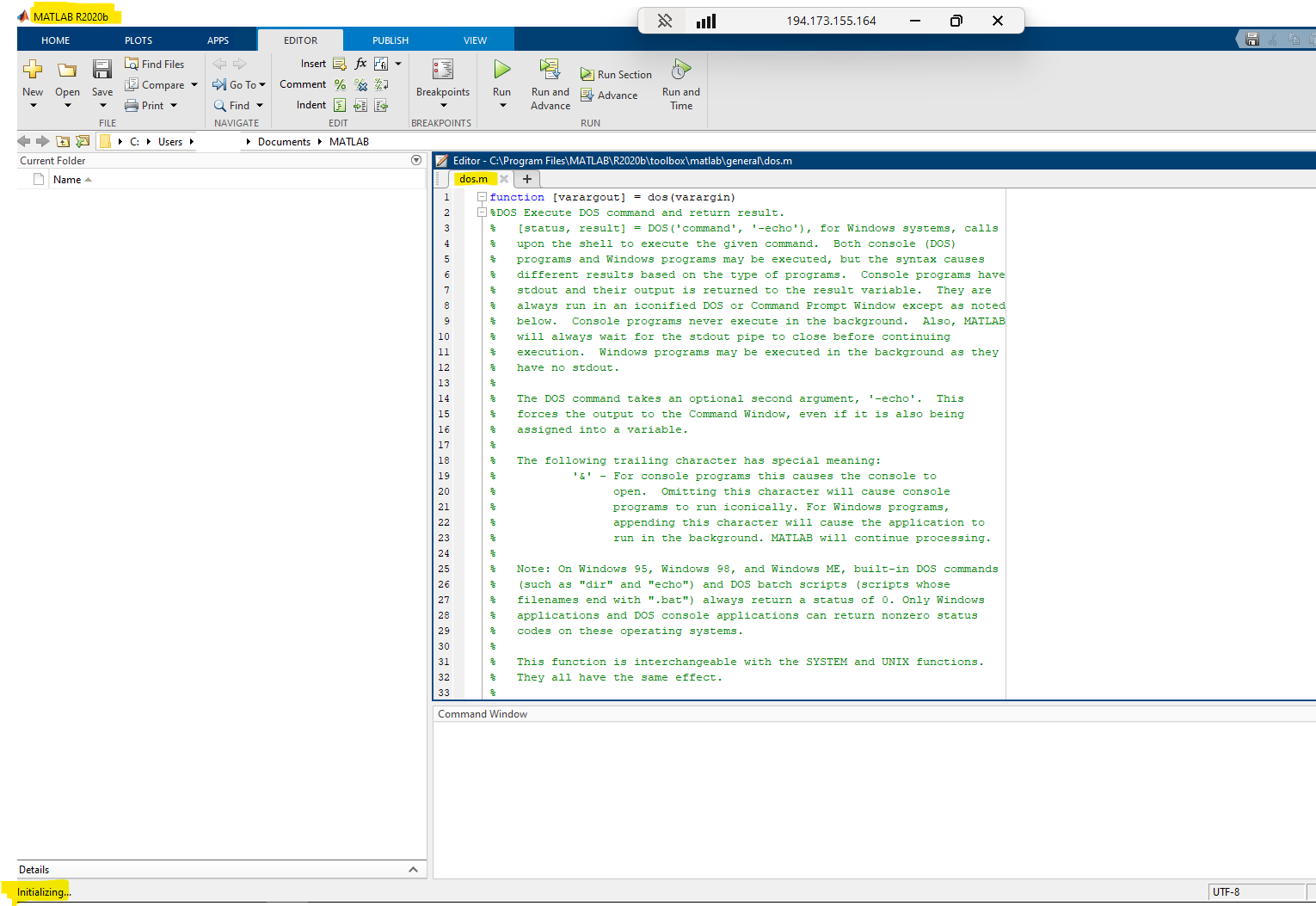
Hello all ,Matlab freezes on startup. It opens a file named dos.m, and from that point, I can neither run any script, set the path, nor even navigate to a folder. any idea ?
Answers (1)

Star Strider
on 21 Jul 2025
1 vote
That it opens dos.m in the Editor and then freezes could indicate that your startup.m file is telling it to open that file in the Editor. It is not obvious what would be causing it to freeze after that.
Open startup.m in the Editor (or any text editor) to see what the problem is.
The fix could be that edit (making appropriate changes to the file), or creating a new startup.m file to do what you want.
6 Comments

Wafa
on 22 Jul 2025
Star Strider
on 22 Jul 2025
At this point, it might be appropriate to uninstall and then reinstall MATLAB. The startup file problem is the only possibility I can think of that could cause that behaviour, however that seems now not to be the situation.
(Consider saving all your user files to a back-up directory, although that may not be absolutely necessary.) You will probably need to regenerate your preferences directory as well.
Wafa
on 22 Jul 2025
Star Strider
on 22 Jul 2025
My pleasure!

Another option is to contact Technical Support:
Although they will most probably support reinstalling the software.
Wafa
on 22 Jul 2025
Categories
Find more on Startup and Shutdown in Help Center and File Exchange
on 22 Jul 2025
Community Treasure Hunt
Find the treasures in MATLAB Central and discover how the community can help you!
Start Hunting!
