Run Multiple Simulations
R2026bSimulink.SimulationInput objects to run multiple
simulations using the parsim function and the
batchsim functions, or the Multiple Simulations panel
in Simulink®For workflows that involve multiple parallel simulations and logging of
large data, you can use Simulink.SimulationInput
objects to specify the inputs for the parsim or
batchsim function, or run the simulations with the
Multiple Simulations panel in the Simulink Editor.
You can use Simulink.SimulationInput objects to
specify simulation configurations and run multiple simulations with those
changes. With a Parallel Computing Toolbox™ license, you can use the parsim function to run the
simulations in parallel. The function distributes multiple simulations to
parallel workers to speed up overall simulation time. Using the parsim function with
Parallel Computing Toolbox allows you to automate the creation of parallel pools,
identifies file dependencies, and manages build artifacts for accelerator
and rapid accelerator simulations. The parsim function
runs simulations in serial if a Parallel Computing Toolbox license is not available.
You can use the batchsim function with Parallel Computing Toolbox and MATLAB®
Parallel Server™ licenses. When you use the batchsim
function, simulations are offloaded onto a compute cluster. You can open a
separate MATLAB session to access the job and the results.
To get started, see Running Multiple Simulations in Simulink and Run Parallel Simulations for a Thermal Model of a House Using parsim.
To take a self-paced, interactive course on running multiple simulations in parallel, see Run Multiple Simulations in Parallel.
Objects
Functions
Tools
| Multiple Simulations | Run multiple simulations from the Simulink Editor |
| Simulation Manager | Monitor multiple simulations and visualize the simulation data |
Topics
- Running Multiple Simulations in Simulink
Run multiple simulations from the
parsimandbatchsimcommands, and the Multiple Simulations panel in Simulink Editor. - Run Parallel Simulations for a Thermal Model of a House Using parsim
Use a
Simulink.SimulationInputobject to run multiple parallel simulations command line workflow. - Run Parallel Simulations
Programmatically run model simulations in parallel.
- Configure and Run Simulations with Multiple Simulations Panel
Learn about the Multiple Simulations panel in the Simulink Editor.
- Comparison Between Multiple Simulation Workflows
Understand the similarities and differences between
parsim,parsimwithRunInBackground, andbatchsim. - Analyze Results Using Simulation Manager
Use the Simulation Manager to visualize simulation data, analyze simulation results and trends.
- Resolve Setup Issues on Parallel Workers When Running Parallel Simulations with parsim
Troubleshoot and debug setup issues on parallel workers using
Diary, when running parallel simulations withparsim.
Featured Examples
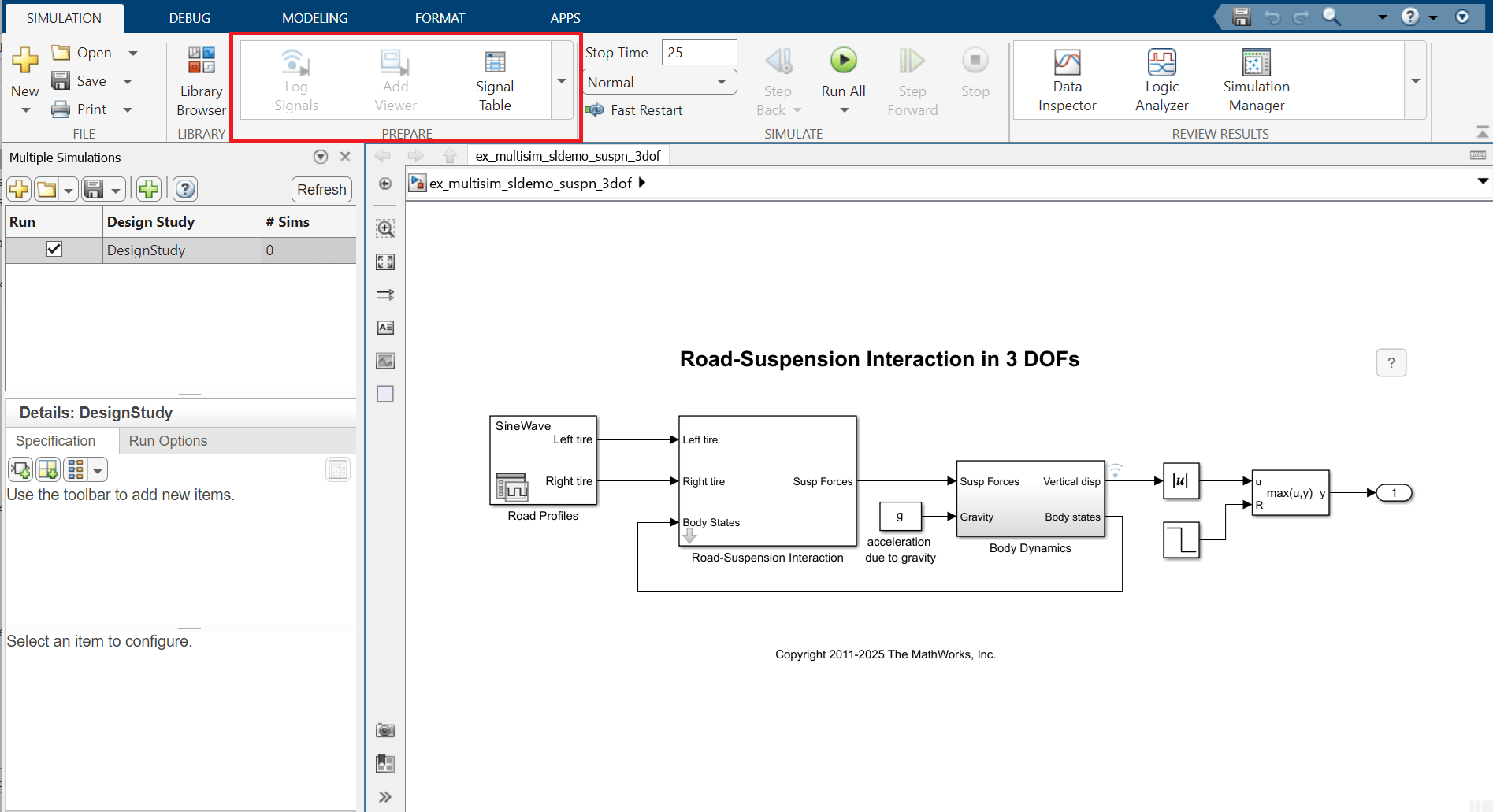
Use Multiple Simulations Panel to Run Design Study with Different Parameter Values
Use the Multiple Simulations panel in the Simulink® Editor to run multiple simulations with varying values of stiffness of the suspension for a road profile that has a sinusoidal shape.
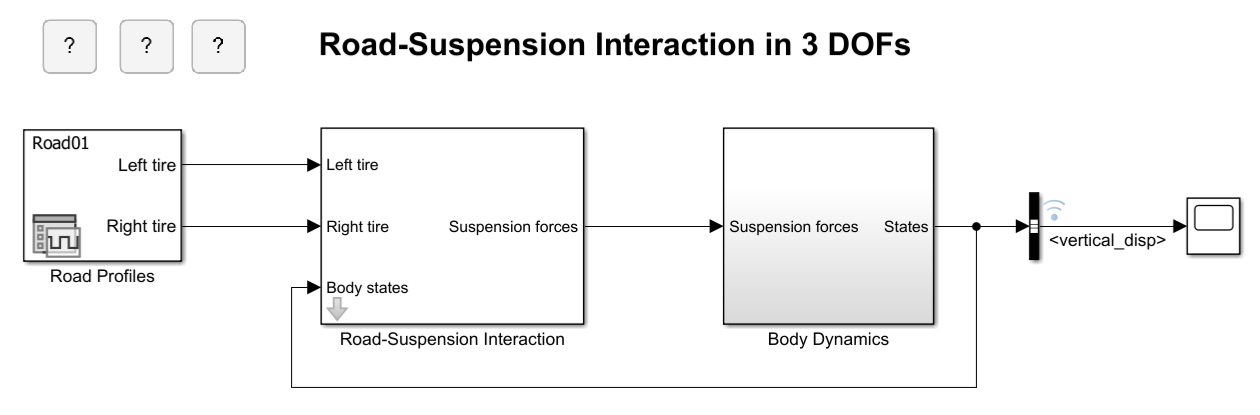
Run Parameter Sweep Using Parallel Simulations
Run multiple simulations of a Monte Carlo study in parallel using parsim and Parallel Computing Toolbox™. Parallel execution leverages the multiple cores of your host machine to speed up multiple simulations. These simulations can also be run in parallel on compute clusters using MATLAB® Parallel Server™. If you do not have Parallel Computing Toolbox or MATLAB Parallel Server, the simulations in this example run serially.
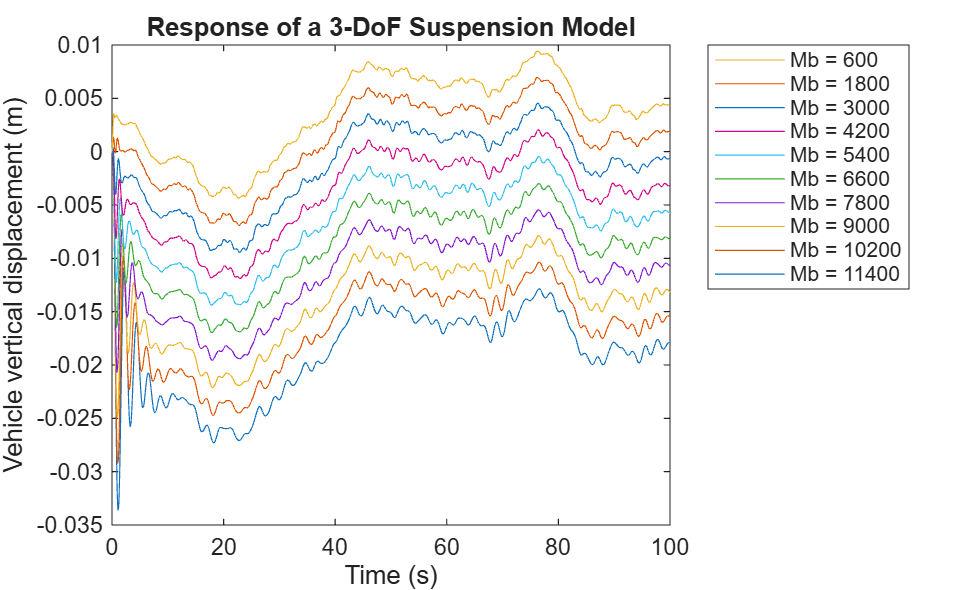
Run Parameter Sweep in Rapid Accelerator Mode Using Parallel Simulations
Run multiple accelerated simulations in parallel by using parsim and Parallel Computing Toolbox™. Run Parameter Sweep Using Parallel Simulations shows how to use multiple cores of your host machine to run independent simulations while varying a parameter. In this example, use rapid accelerator mode to speed up multiple simulations even further. If you do not have Parallel Computing Toolbox or MATLAB Parallel Server™, the simulations in this example run serially.
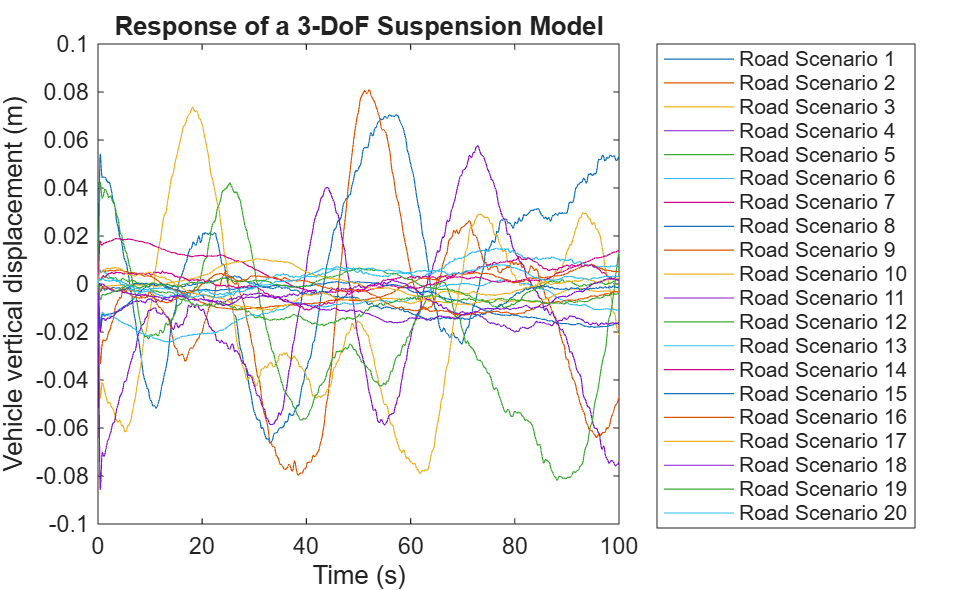
Run Test-Case Sweep Using Parallel Simulations
Run multiple Simulink® simulations corresponding to different test cases using batchsim and Parallel Computing Toolbox™. The batchsim function offloads simulations to a compute cluster, freeing up your local machine so you can continue working while the batch job is processing. While parsim is useful for running parallel simulations on local resources, batchsim is useful for running a large number of computationally expensive simulations. If you do not have Parallel Computing Toolbox, the simulations in this example will run serially.
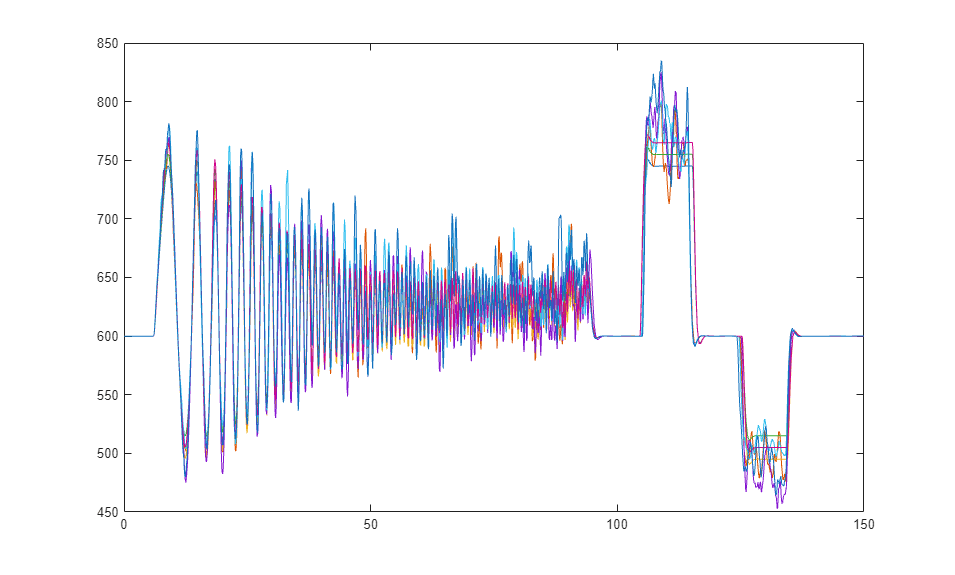
Rapid Accelerator Simulations Using Parsim
The use of Rapid Accelerator in applications that require running parallel simulations for a range of input and parameter values.
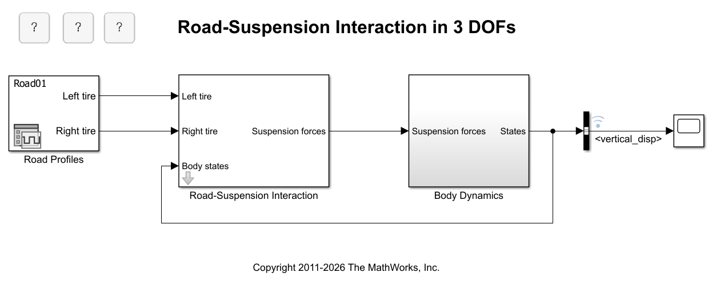
Multiple Simulations Workflow Tips
The goal of this example is to provide helpful tips for running multiple simulations using parallel simulation tools. This example will work even if the Parallel Computing Toolbox™ is not available, but the simulations will run in serial. We will be using the model sldemo_suspn_3dof.
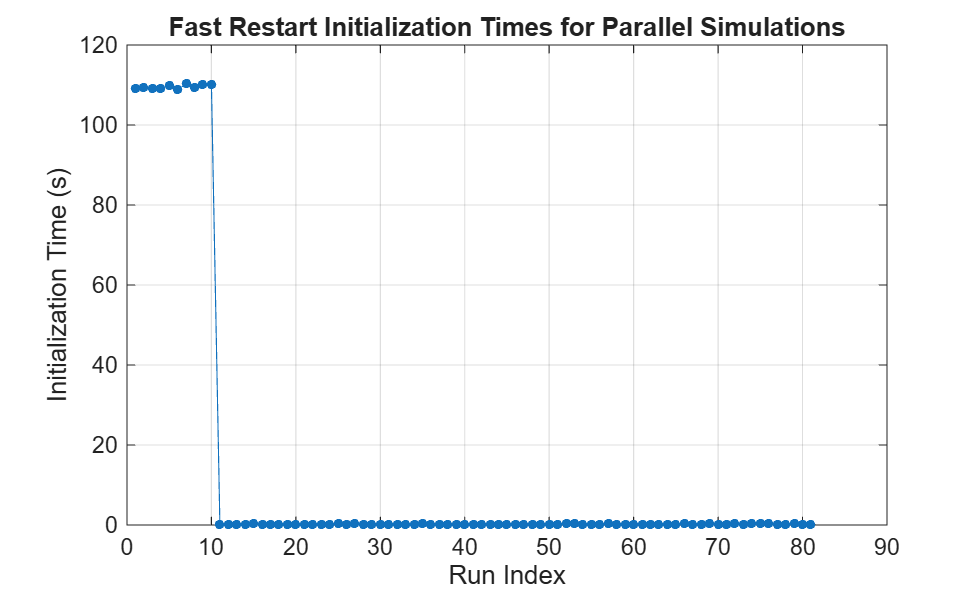
Run Parallel Simulations Using parsim on Model in Project
Uses parsim to run multiple simulations in parallel for a Monte Carlo study.

