RoadRunner Scene Builder Add-On
R2026bRoadRunner Scene Builder imports and automatically synthesizes 3D road models from HERE HD Live Map data, TomTom HD Map AVRO format, Apollo HD Map data, and RoadRunner HD Map files. You can visualize and edit the road models in RoadRunner, adding trees, streets, road signs, and other elements to create 3D scenes.
The 3D road models can be exported to OpenDRIVE®, FBX®, glTF™, OpenFlight, OpenSceneGraph, OBJ, and USD formats. The exported scenes can be used in automated driving simulators and game engines, including CARLA, VIRES VTD, NVIDIA DRIVE Sim®, rFpro, Baidu Apollo®, Cognata, Unity®, and Unreal Engine®.
In addition to scene generation, RoadRunner Scene Builder supports authoring, importing, querying, and exporting RoadRunner HD Maps, enabling automation, testing, and validation workflows for ADAS and autonomous driving systems. RoadRunner Scene Builder also enables you to create RoadRunner HD Maps from recorded sensor data and use them to build simulation-ready driving scenes and scenarios. To get started using RoadRunner Scene Builder, see Get Started with RoadRunner Scene Builder.
RoadRunner Scene Builder is an add-on product that requires an addition to your RoadRunner license. For more details, see RoadRunner Scene Builder product page. Importing HD map data, exporting to RoadRunner HD Map format, and visualizing map elements do not require a RoadRunner Scene Builder license. Only building a RoadRunner scene from imported HD map data requires a RoadRunner Scene Builder license. MATLAB® functions and objects for HD Map authoring, querying, and file operations require an Automated Driving Toolbox™ license.
Tools
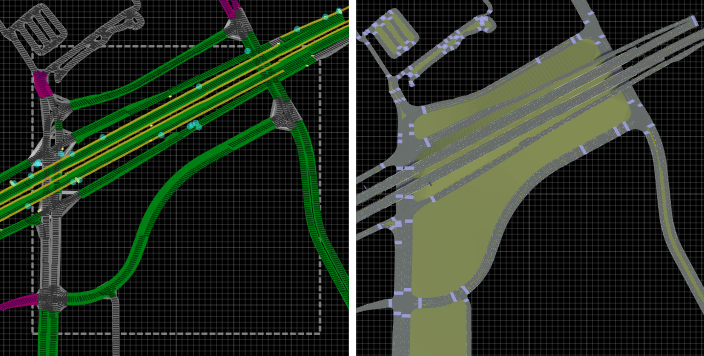
| Scene Builder Tool | Generate 3D scenes from HD Map data |
Protocol Buffer Schema Files
MATLAB Objects and Functions
Topics
Setup and Getting Started
- Get RoadRunner Updates and Upgrades
Update an existing RoadRunner installation for add-on products, install an update to the installed version of RoadRunner software, or get a new RoadRunner release. - Get Started with RoadRunner Scene Builder
Learn the workflows related to RoadRunner Scene Builder.
Configure Assets for HD Map Data
- Configure Assets for Imported HERE HD Live Map Data
Configure which assets to use for rendering poles, barriers, signs, and road types imported from HERE HD Live Map. - Configure Assets for Imported TomTom HD Map Data
Configure which assets to use for rendering lane types, markings, and signs imported from TomTom HD Map.
Build Scenes from HD Map Data
- Build Scenes Using HERE HD Live Map Data
Use RoadRunner Scene Builder to build scenes from imported HERE HD Live Map data. - Build Scenes Using TomTom HD Map Data
Use RoadRunner Scene Builder to build scenes from imported TomTom HD Map data. - Build Scenes Using Apollo HD Map Data
Use RoadRunner Scene Builder to build scenes from imported Apollo HD Map data. - Build Scenes from Custom Data Using RoadRunner HD Map
Use RoadRunner Scene Builder to build scenes from custom imported using the RoadRunner HD Map data model. - Create Route and Build Scene Using HD Map Data
Use RoadRunner Scene Builder to create route from imported HD map data. - Specify Route to Import HERE HD Live Map Data and Build Scenes
Specify route to import HERE HD Live Map data and build scenes using RoadRunner Scene Builder.
Export to RoadRunner HD Map
- Export to RoadRunner HD Map
Export RoadRunner scenes to RoadRunner HD Map (.rrhd) file format.
Featured Examples
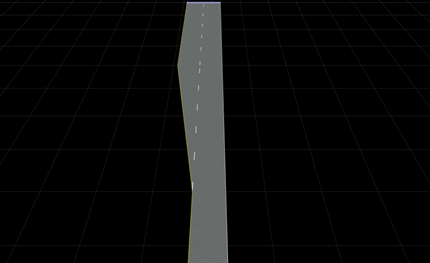
Build Simple Roads Programmatically Using RoadRunner HD Map
Build simple roads using RoadRunner HD Map MATLAB functions.
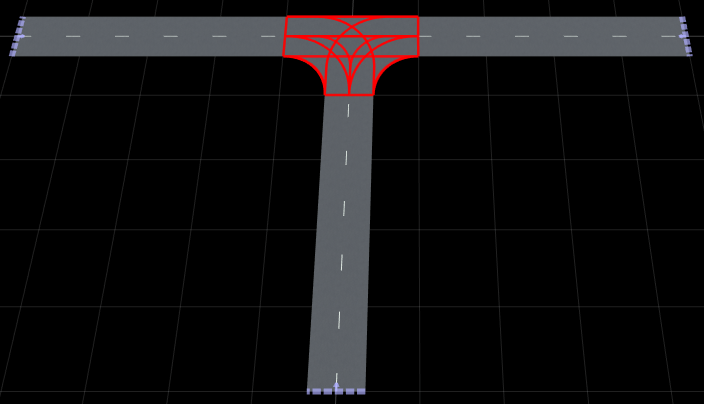
Build Signalized Junction Using RoadRunner HD Map
Build a T-shaped junction with traffic signal control using RoadRunner HD Map MATLAB objects and functions.
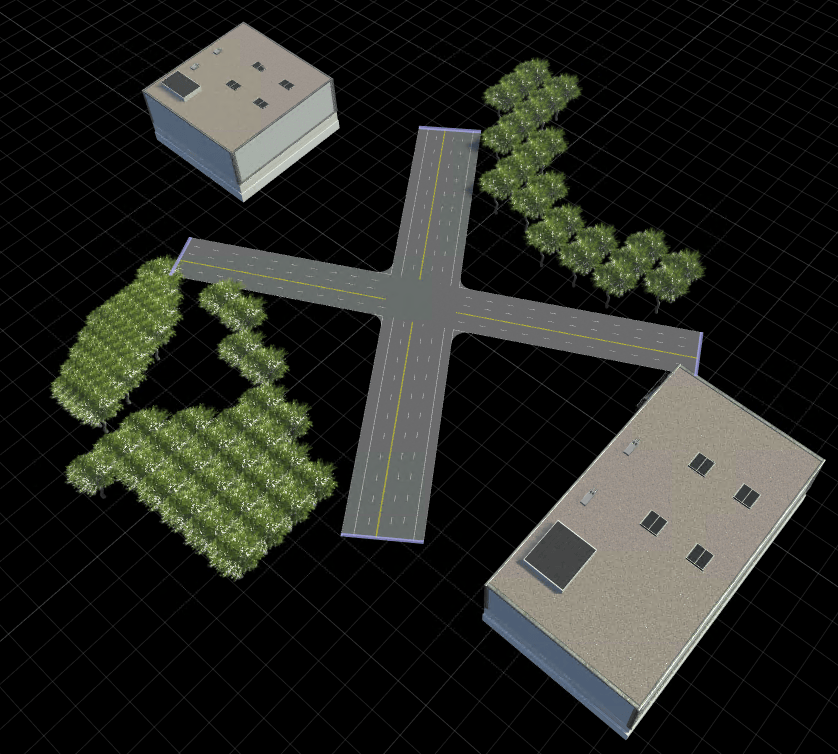
Build RoadRunner Scene with Intersection and Static Objects Using RoadRunner HD Map
Build a RoadRunner scene containing a road intersection and surrounding static objects using a RoadRunner HD Map.
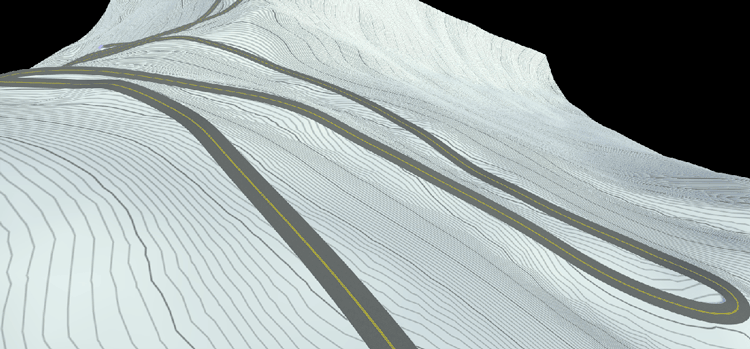
Build Pikes Peak RoadRunner 3D Scene Using RoadRunner HD Map
Build RoadRunner 3D scene for Pikes Peak, Colorado using MATLAB functions.
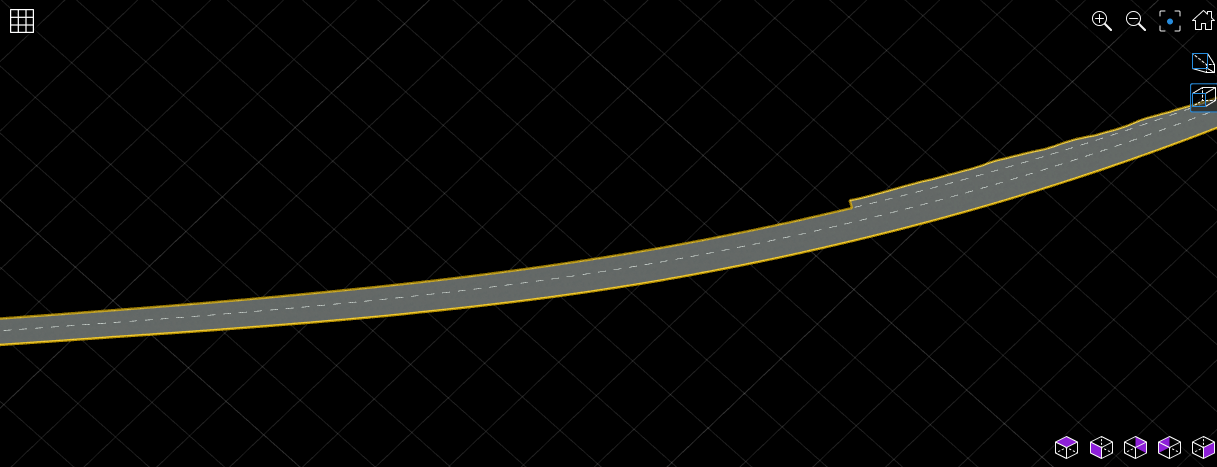
Generate RoadRunner Scene Using Processed Camera Data and GPS Data
Generate RoadRunner scene using labeled camera images and GPS data.
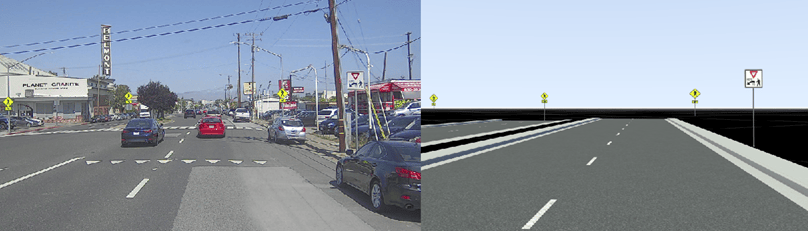
Generate RoadRunner Scene with Traffic Signs Using Recorded Sensor Data
Generate RoadRunner scene with traffic signs using recorded sensor data.
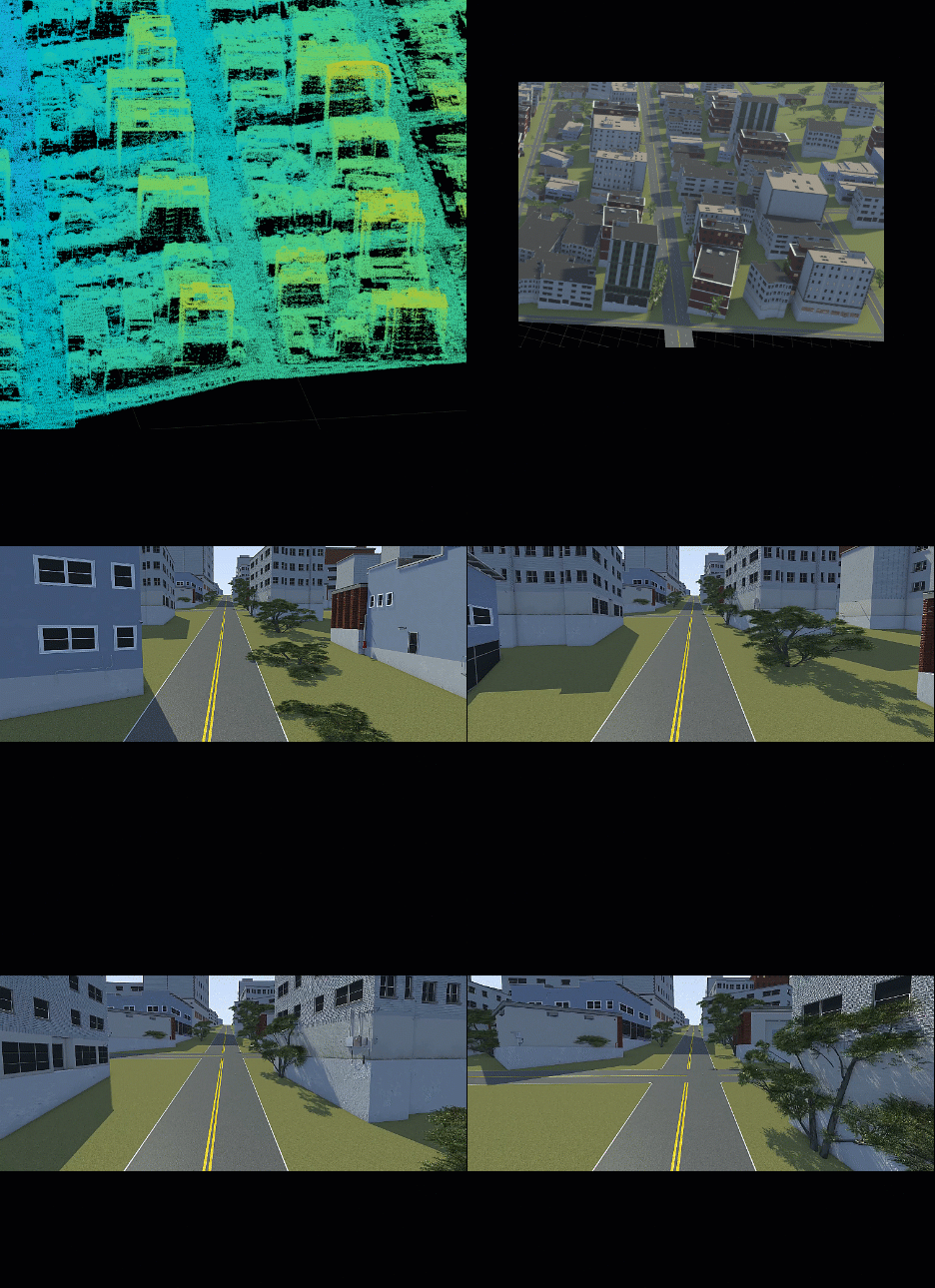
Generate RoadRunner Scene Using Aerial Lidar Data
Generate RoadRunner scene from aerial lidar data.

