show
R2026bShow site in Site Viewer
Description
show( displays the location of
the specified transmitter or receiver site in the current Site Viewer using a
marker.site)
show(
specifies options using one or more name-value arguments.site,Name=Value)
Examples
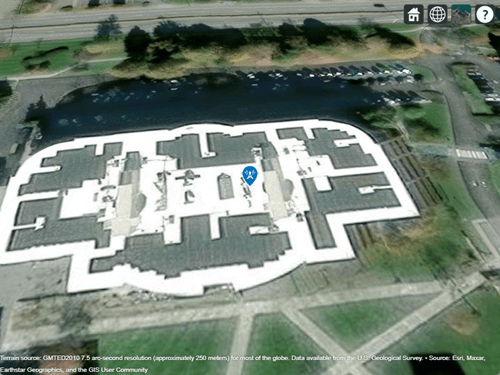
Create a receiver site. By default, receiver sites use geographic coordinates. Specify the latitude as 42.3001 degrees and the longitude as -71.3504 degrees.
rx = rxsite(Name="MathWorks Apple Hill", ...
    Latitude=42.3001,Longitude=-71.3504);
Display the receiver site.
show(rx)
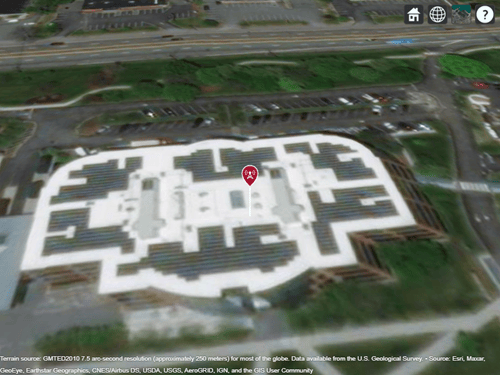
Create and show a transmitter site.
tx = txsite('Name','MathWorks Apple Hill',...
       'Latitude',42.3001, ...
       'Longitude',-71.3504);
show(tx)
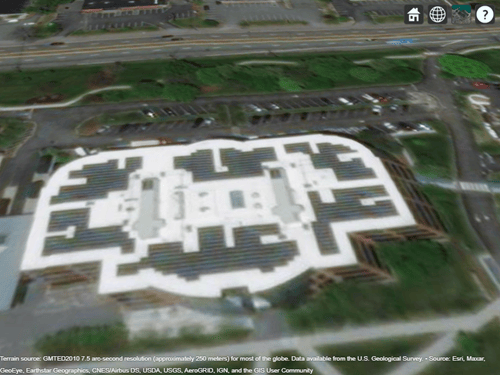
Hide the transmitter site.
hide(tx)
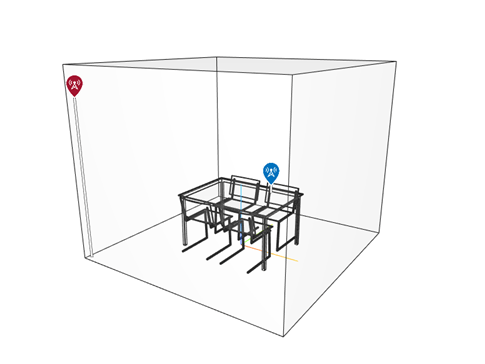
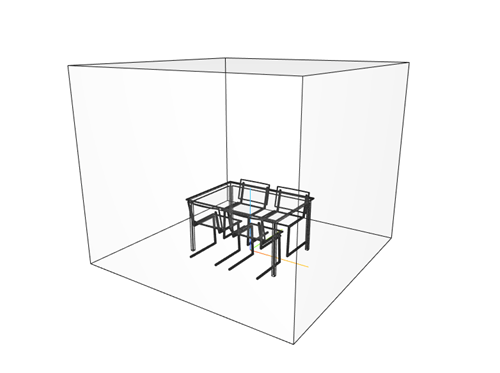
Import and view an STL file. The file models a small conference room with one table and four chairs.
viewer = siteviewer('SceneModel','conferenceroom.stl');
Create a transmitter site near the upper corner of the room and a receiver site above the table. Specify the position using Cartesian coordinates in meters. Then, visualize the sites.
tx = txsite('cartesian', ...
    'AntennaPosition',[-1.46; -1.42; 2.1]);
rx = rxsite('cartesian', ...
    'AntennaPosition',[0.3; 0.3; 0.85]);

show(tx)
show(rx)
Pan by left-clicking, zoom by right-clicking or by using the scroll wheel, and rotate the visualization by clicking the middle button and dragging or by pressing Ctrl and left-clicking and dragging.
Hide the sites.
hide(tx)
hide(rx)
Input Arguments
Name-Value Arguments
Version History
Introduced in R2019b
1 Alignment of boundaries and region labels are a presentation of the feature provided by the data vendors and do not imply endorsement by MathWorks®.

