Get Started with Simulink Real-Time
R2026bSimulink® Real-Time™ and Speedgoat® take you from simulation to rapid control prototyping (RCP) and hardware-in-the-loop (HIL) testing in a single click.
You can deploy and run real-time applications on Speedgoat test systems directly from your Simulink model. Simulink Real-Time lets you connect with embedded controllers for HIL testing and validate your designs under real operating conditions. You can create, control, and instrument real-time applications using the MATLAB® API or custom apps built with App Designer. You can also automate HIL tests and run them as part of continuous integration workflows.
Tutorials
- Apply Real-Time Simulation and Testing Operations
Run, visualize, and tune the execution of a real-time model.
- Verify Simulink Real-Time Configuration for Example Applications
Configure your target computer for executing real-time applications.
- Create and Run Real-Time Application from Simulink Model
Adapt a Simulink model to run as a real-time model on a target computer. Visualize signals by adding signals to an instrument.
- Configure and Control Real-Time Application by Using Simulink Real-Time Interfaces
Use Simulink Real-Time interfaces, such as Explorer, to run a real-time application and tune parameters.
- Apply Simulink Real-Time Model Template to Create Real-Time Application
Create a model from the Simulink Real-Time model template and build a real-time application.
- Simulink Real-Time Workflows and Licensing
Select deployment, operation mode, and application interface that matches your Simulink Real-Time workflow.
About Real-Time Simulation
- Interfaces that Configure and Control Target Computer
Configuring and controlling Simulink Real-Time interactively and by writing scripts and programs.
- Speedgoat Target Computers and I/O Hardware
Choose a Speedgoat target computer and I/O hardware.
- Speedgoat Target Computer Support
Speedgoat provides target computers that are expressly designed to support Simulink Real-Time.
- Build and Deploy a Real-Time Application
Create a standalone real-time application on the development computer.
- Deploy and Configure a Startup Real-Time Application
Set start up application.
- Internationalization Issues for Simulink Real-Time
Learn about Simulink Real-Time support for internationalization.
Related Information
Featured Examples
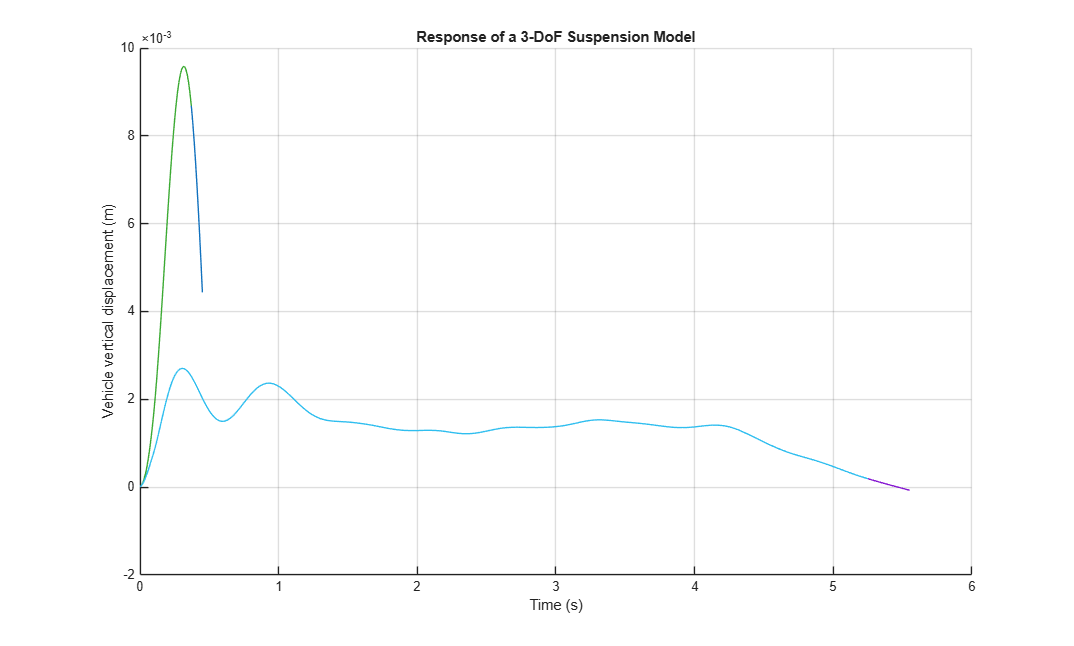
Post-Process Real-Time Signals Streamed to the Simulation Data Inspector
Use a Simulink® Real-Time™ log of signal data and the Simulation Data Inspector. Signals are logged during model execution.
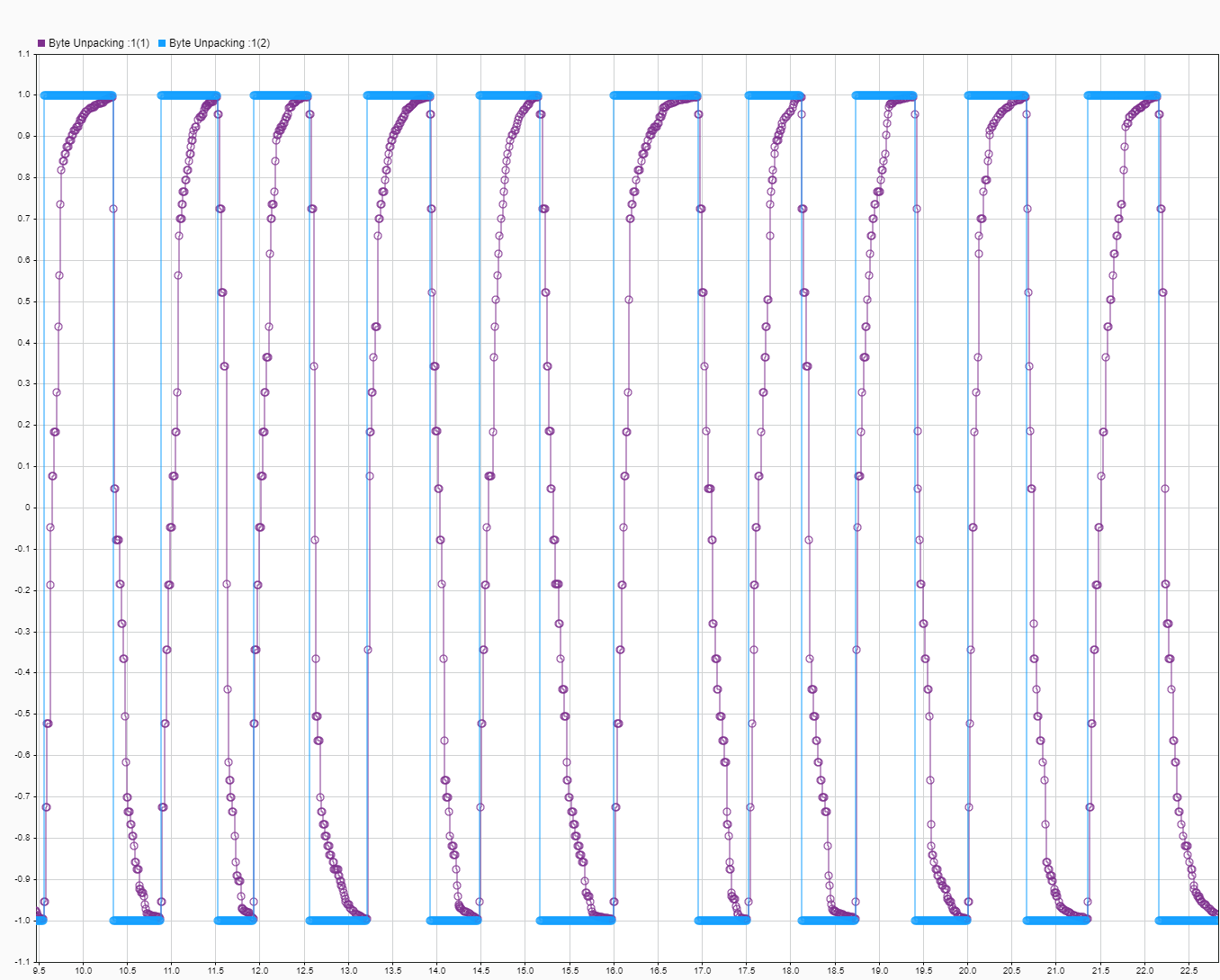
Target to Host Transmission by Using UDP
Use UDP blocks to send data from a target computer to a development computer.
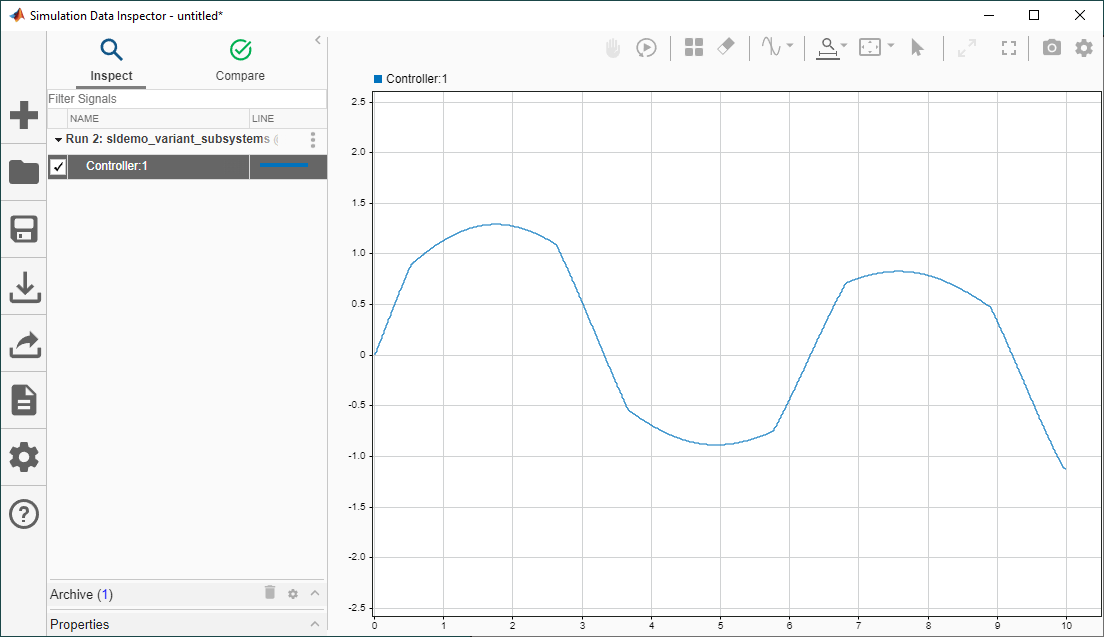
Create Real-Time Applications Using Variants and Simulink Real-Time
Create a real-time application with a variant subsystem by using the Simulink® Real-Time™ workflow. Simulink Real-Time lets you create real-time applications from Simulink models and run them on Speedgoat® target computer hardware connected to your physical system.

