System Peripherals
R2026bAccess and manage essential hardware interfaces on Raspberry Pi hardware using MATLAB® functions and Simulink® blocks. Read from and write to GPIO pins, control onboard LEDs, interface with rotary encoders, and acquire analog data using external ADCs. Use these capabilities to build interactive, sensor-driven, and automated applications.
Blocks
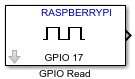 | GPIO Read | Read GPIO pin status |
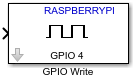 | GPIO Write | Set GPIO pin status |
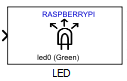 | LED | Illuminate built-in LED on Raspberry Pi board |
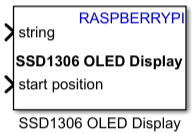 | SSD1306 OLED Display | Display real time text or image on OLED display (Since R2026a) |
 | Encoder | Measure incremental position and direction of rotating motor |
 | ADS1x15 | Read digital output data from ADS1015 and ADS1115 ADCs (Since R2023a) |
Model Settings
| Hardware board | Select the hardware board upon which to run your model |
| Device Address | Enter the IP address or host name of the hardware board |
| Device Name | Device name (Since R2026a) |
| Username | Enter the root user name for Linux running on the hardware board |
| Password | Enter the root password for Linux running on the hardware board |
Objects
raspi | Connection to Raspberry Pi board |
Functions
configurePin | Configure GPIO pin as digital input, digital output, or PWM output |
readDigitalPin | Read logical value from GPIO input pin |
writeDigitalPin | Write logical value to GPIO output pin |
showPins | Show diagram of GPIO pins |
writeLED | Turn LED on or off |
showLEDs | Show location, name, and color of user-controllable LEDs |
system | Run command in Linux shell on Raspberry Pi hardware |
getFile | Transfer file from Raspberry Pi hardware to host computer or MATLAB Drive |
putFile | Transfer file from host computer to target hardware |
deleteFile | Delete file on target hardware |
openShell | Open terminal on host computer to use Linux shell on Raspberry Pi hardware |
Apps
| Raspberry Pi Resource Monitor App | Monitor and manage Raspberry Pi resources |
Topics
- Support I2C Communication
Support I2C communication.
- Raspberry Pi GPIO Pins
GPIO pins on Raspberry Pi hardware.
- Use the Raspberry Pi GPIO Pins as Digital Inputs and Outputs
This example shows how to use the digital pins on the Raspberry Pi hardware as digital inputs and outputs.
- Raspberry Pi LED
LEDs on Raspberry Pi hardware.
- Turn Raspberry Pi LED On and Off
Control the LED on Raspberry Pi hardware.
- Flash Raspberry Pi LED in Response to Input
Flash the LED on Raspberry Pi hardware.
Troubleshooting
Troubleshoot Connecting Issues to Raspberry Pi Hardware
Troubleshoot issues while connecting to your Raspberry Pi hardware.
Featured Examples
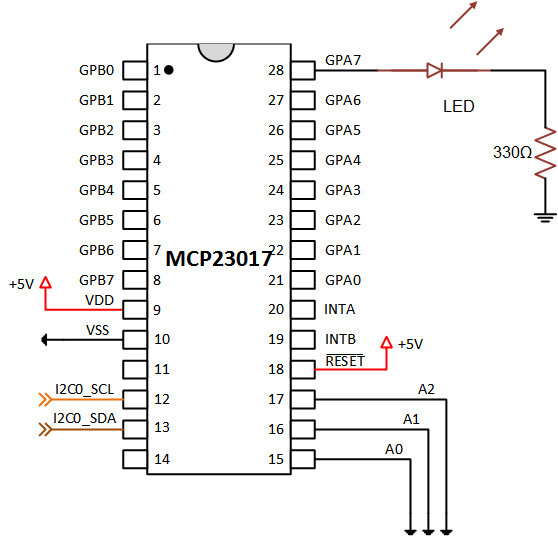
Add Digital I/O Pins to Raspberry Pi Hardware Using MCP23017
Increase the number of digital I/O pins by connecting an MCP23017 I/O expander chip to the Raspberry Pi® hardware.
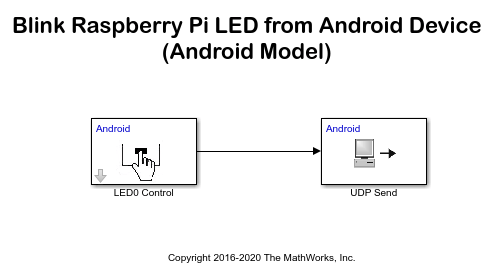
Control Status of LED on Raspberry Pi from Android Device
Control Raspberry Pi® LED from an Android® device.
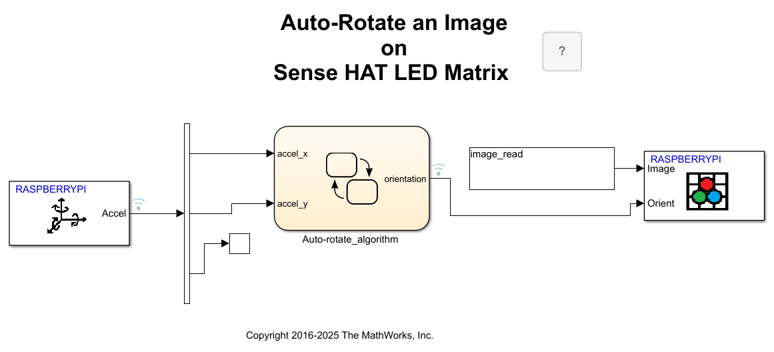
Auto-Rotate Image Displayed on Raspberry Pi Sense HAT LED Matrix
Develop a Simulink® model to implement an algorithm to read the Accelerometer On-board Sense HAT and control the rotation of the image displayed on the LED matrix.
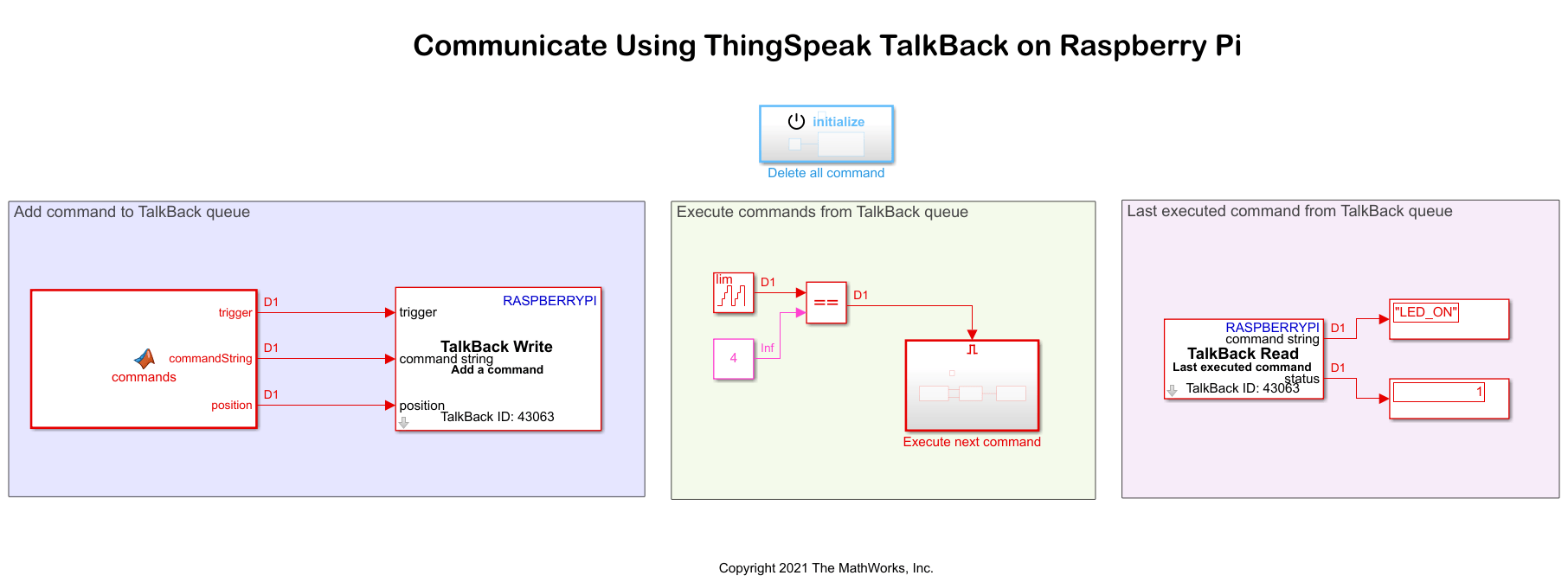
Control LED Status Using ThingSpeak TalkBack on Raspberry Pi
Use Raspberry Pi® Blockset to fetch and execute commands from a ThingSpeak™ TalkBack queue and use them to change the status of an LED onboard a Raspberry Pi hardware board.

