Optical System Design and Analysis
Design and simulate optical systems using the Optical Design and Simulation Library for Image Processing Toolbox™. The library enables you to create custom optical designs, use bulk glass and coating materials from comprehensive material libraries, import bulk materials, and create custom optical materials and coatings. The library provides visualization tools to visualize optical designs in 2-D and 3-D. Additionally, you can integrate with existing optical designs by importing systems from ZMX files.
You can evaluate optical systems by tracing rays, performing polarization analysis, computing spot diagrams, analyzing aberrations, lens distortion, and field curvature. You can then visualize the results. Additionally, you can optimize optical systems and optical coatings using optimization tools available in the Optimization Toolbox™.
The Optical System Designer app provides an interactive interface for optical system design. You can use the app to design custom optical systems, simulate imported optical systems from ZMX files, and interactively visualize traced rays, spot diagrams, aberrations, distortions, field curvature, and other analysis.
To get started with the Optical Design and Simulation Library for Image Processing Toolbox, see Get Started with Optical Design and Simulation.
You can install the Optical Design and Simulation Library for Image Processing Toolbox from the Add-On Explorer. For more information about installing add-ons, see Get and Manage Add-Ons.
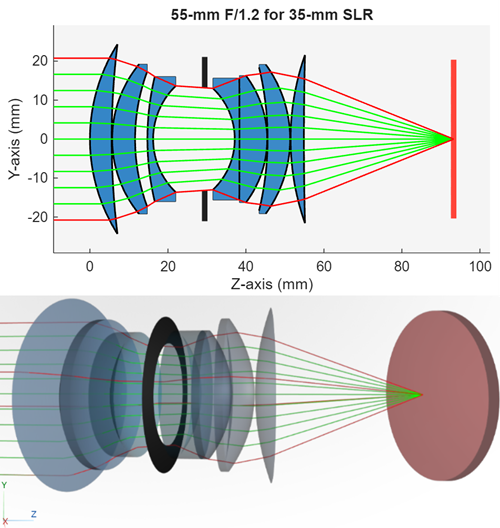
Apps
| Optical System Designer | Design and analyze optical systems (Since R2026a) |
Functions
Topics
Get Started
- Get Started with Optical Design and Simulation
Use optical design and analysis tools to simulate and tune optical system performance. - Coordinate Systems in Optical Design
Understand coordinate systems to manipulate positions and orientation of optical systems and their components. - Create Field Points
Create field point representations of light sources for an optical system. - Load, Create, and Use Optical Materials
Use materials from optical coating and glass libraries, or create custom optical materials. - Select Optical Material for Optical System
This example shows how to select optical materials from the glass library and from optical materials in the workspace based on criteria such as refractive index, Abbe number, and supported wavelengths.
Optical System Analysis
- Configure Ray Sampling in Optical System
Configure ray sampling surface and sampling grid for ray tracing in optical system. - Analyze Optical System Using Optical System Designer
This example shows how to analyze an optical system using the Optical System Designer app. - Optimize Photographic Zoom Lens Component Positions
This example demonstrates how to use numerical optimization techniques to optimize the positions of zoom groups and achieve a target focal length.
Optical Coatings
- Apply Optical Coatings
Design, edit, and apply optical coating to optical surfaces. - Optimize Coating Design for Longpass Optical Filter
This example demonstrates how to design a 550 nm longpass optical filter, accounting for material properties and manufacturing limits using the Optimization Explorer (Optimization Toolbox) app.
Featured Examples
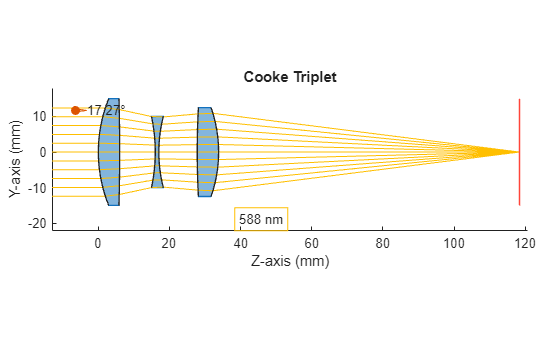
Design Cooke Triplet
Design a Cooke triplet lens system. This example requires the Optical Design and Simulation Library for Image Processing Toolbox™. You can install the Optical Design and Simulation Library for Image Processing Toolbox from Add-On Explorer. For more information about installing add-ons, see Get and Manage Add-Ons.
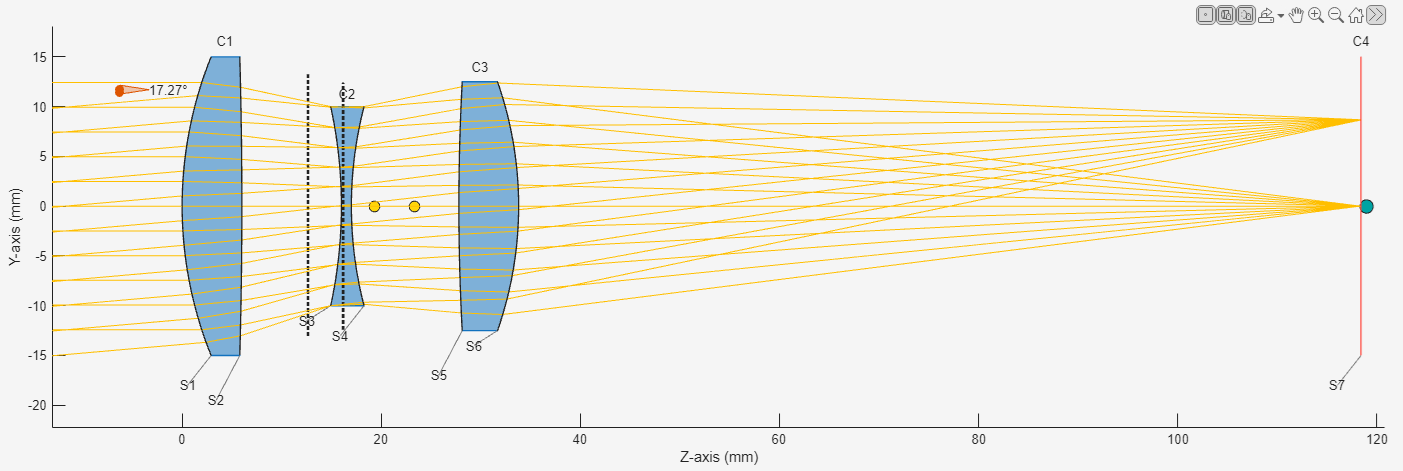
Design Optical System Using Optical System Designer
Design an optical system using the Optical System Designer app. The Optical System Designer app enables you to design, modify, simulate, and analyze optical systems. Using the app, you can:
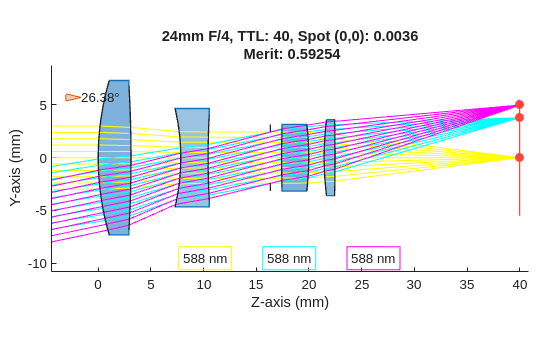
Optimize Monochromatic Camera Lens System for Type 2/3 Sensor
Demonstrates how to design and optimize a general purpose monochromatic 25 mm F/4 camera lens system for a 2/3'' sensor. A 25 mm focal length provides a moderate field of view, while an F/4 aperture helps balance light and depth of field. The monochromatic assumption simplifies the design for optical systems that use narrowband light sources such as narrowband LED.
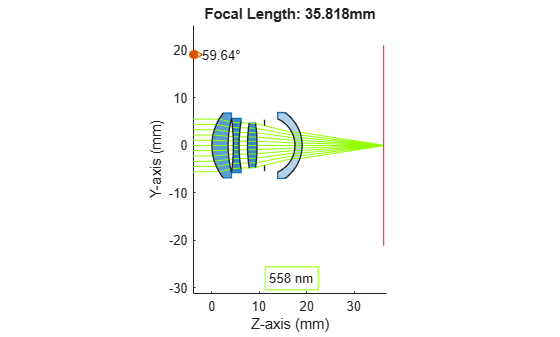
Modify Focal Length By Scaling Optical System
Modify the focal length of an optical system by appropriately scaling its individual components and gaps between components. Scale the optical system to adapt reference optical system designs to new focal length constraints, or to create reference designs which are normalized to a unit focal length.
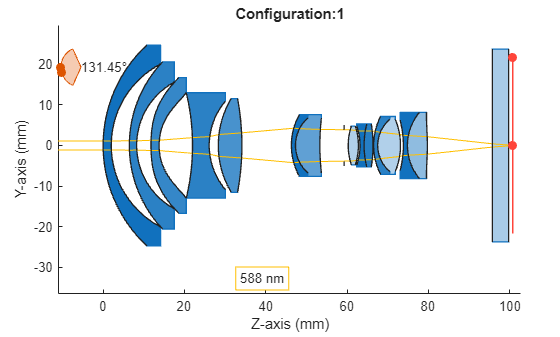
Apply Configurations to Optical System Imported from ZMX File
To apply preset configurations from a ZMX file to the optical design stored in the ZMX file.
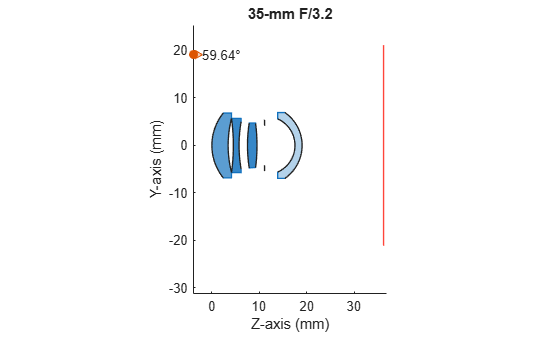
Create Lens Prescription Table for Optical System
Lens prescription tables are detailed specifications that describe the physical and optical properties of a lens or a lens system. These tables contain surface specifications such as the surface number and name, radius of curvature, lens thickness and spacing, and glass material properties such as the refractive index and Abbe number, which makes them crucial in the design and manufacturing of optical systems such as cameras, microscopes, and telescopes.
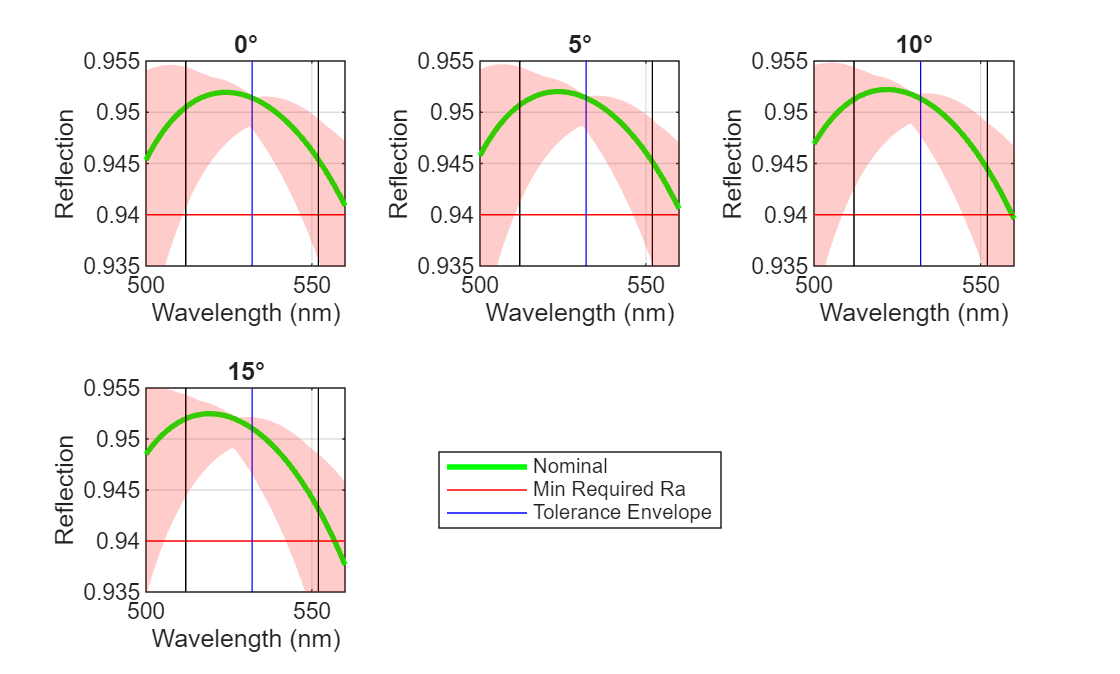
Perform Sensitivity and Yield Analysis of Optical Coating Using Monte Carlo
Demonstrates how to calculate the sensitivity of optical coating layers in a Bragg reflector. To estimate the expected manufacturing yield, you then implement Monte Carlo simulation that incorporates material-specific tolerances in layer thickness and refractive index. Monte Carlo (MC) simulation is a statistical method that estimates system performance by repeatedly evaluating the design with randomized variations in its parameters. Each MC trial represents one possible manufactured coating, created by sampling all layer thicknesses and refractive indices according to their specified tolerances. This approach quantifies how sensitive the coating’s optical performance is to real-world process variations, and predicts the proportion of manufactured parts, or the yield, expected to meet the required specifications.

